Help Me Now
Run your help desk and manage Windows devices from one console on your own Windows server. All on your local network.
No per-device or per-admin pricing.
Explore features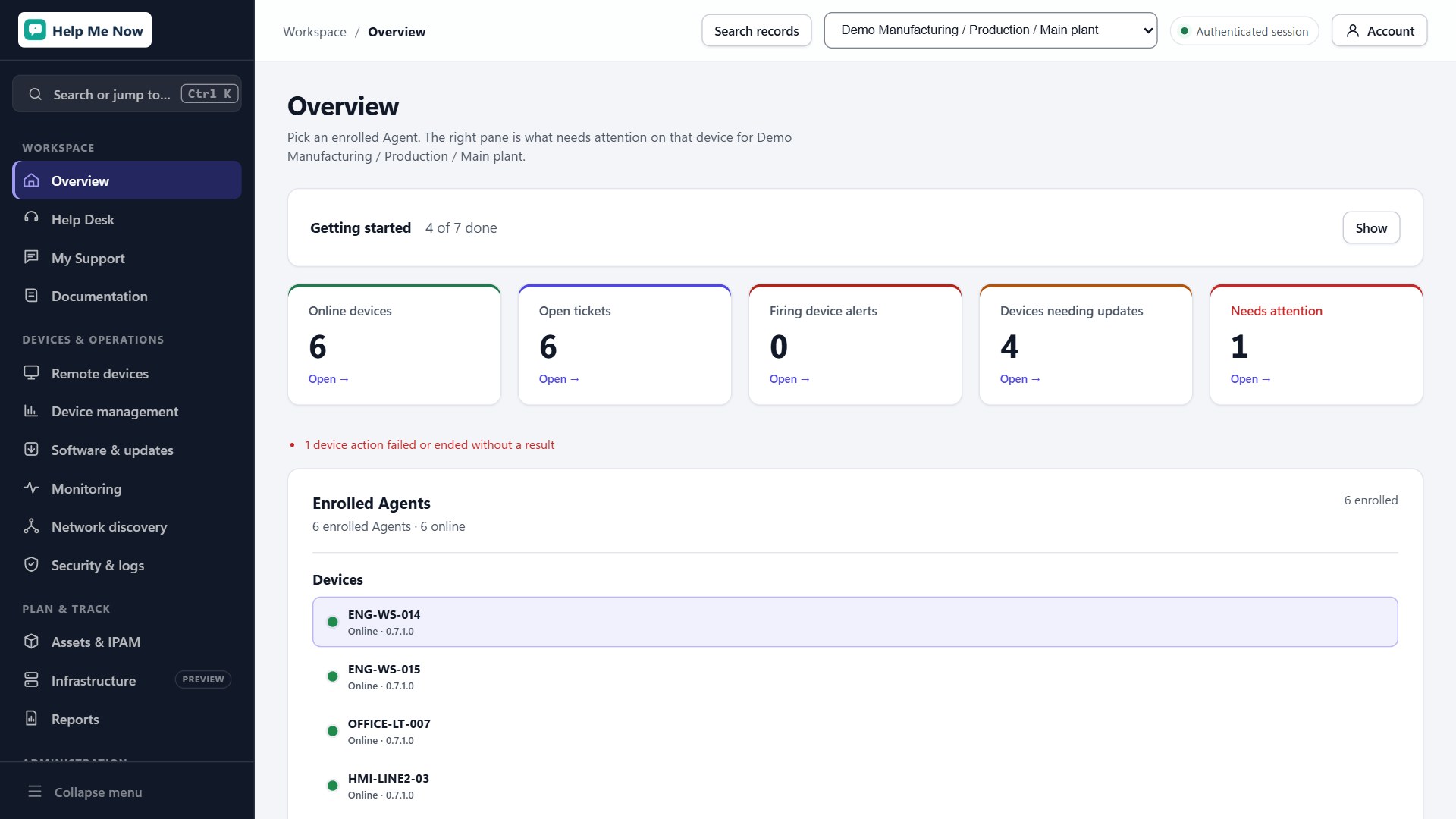
Features
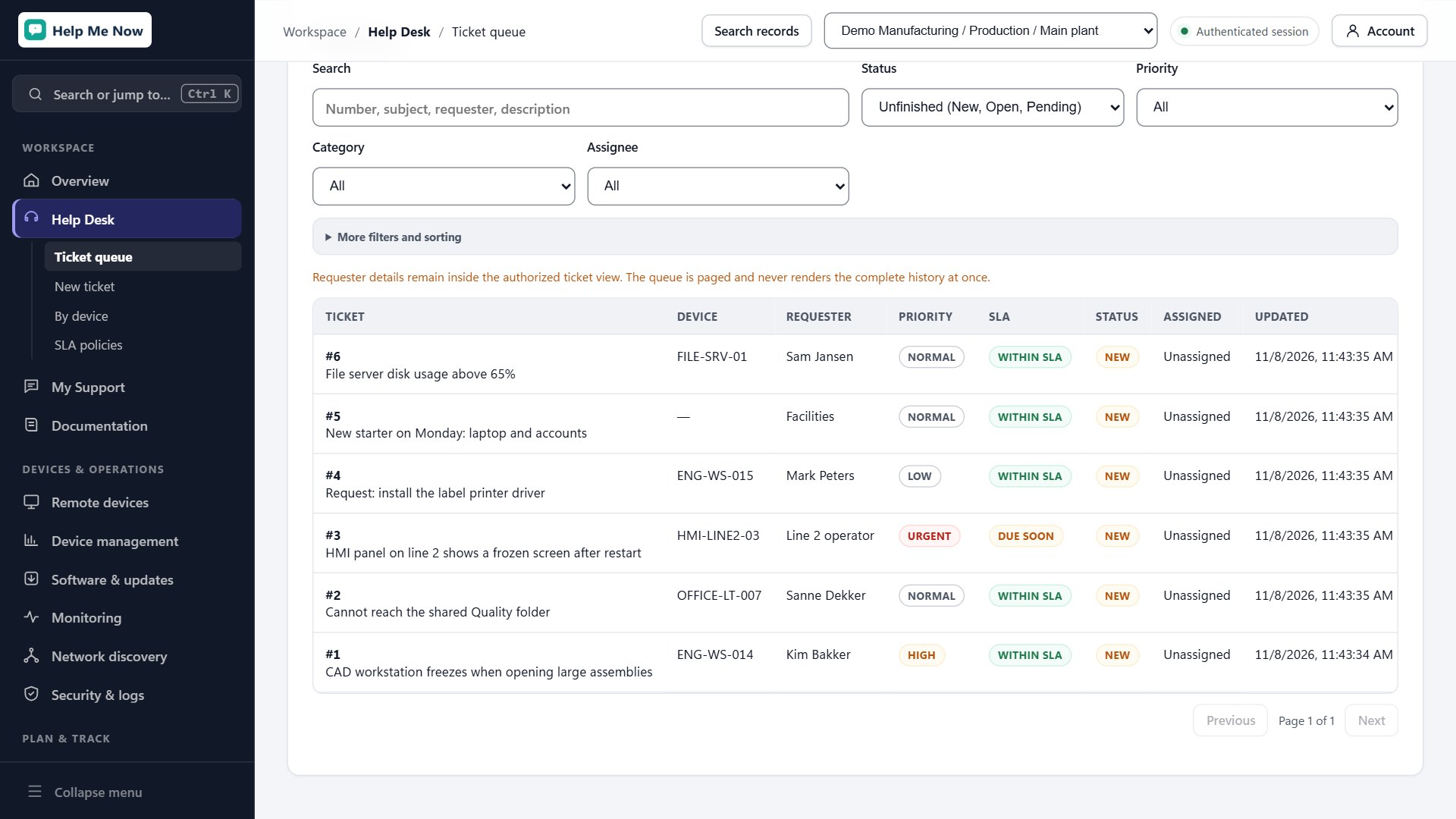
Service desk and knowledge base
Staff can submit requests, reply, and track progress in My Support. Technicians work from a shared ticket queue and can link issues to a device or asset.
- Route requests to support groups and track response and resolution targets.
- Reply to requesters or leave internal notes for other technicians.
- Publish searchable help articles with drafts, revision history, and access controls.
Windows device and software management
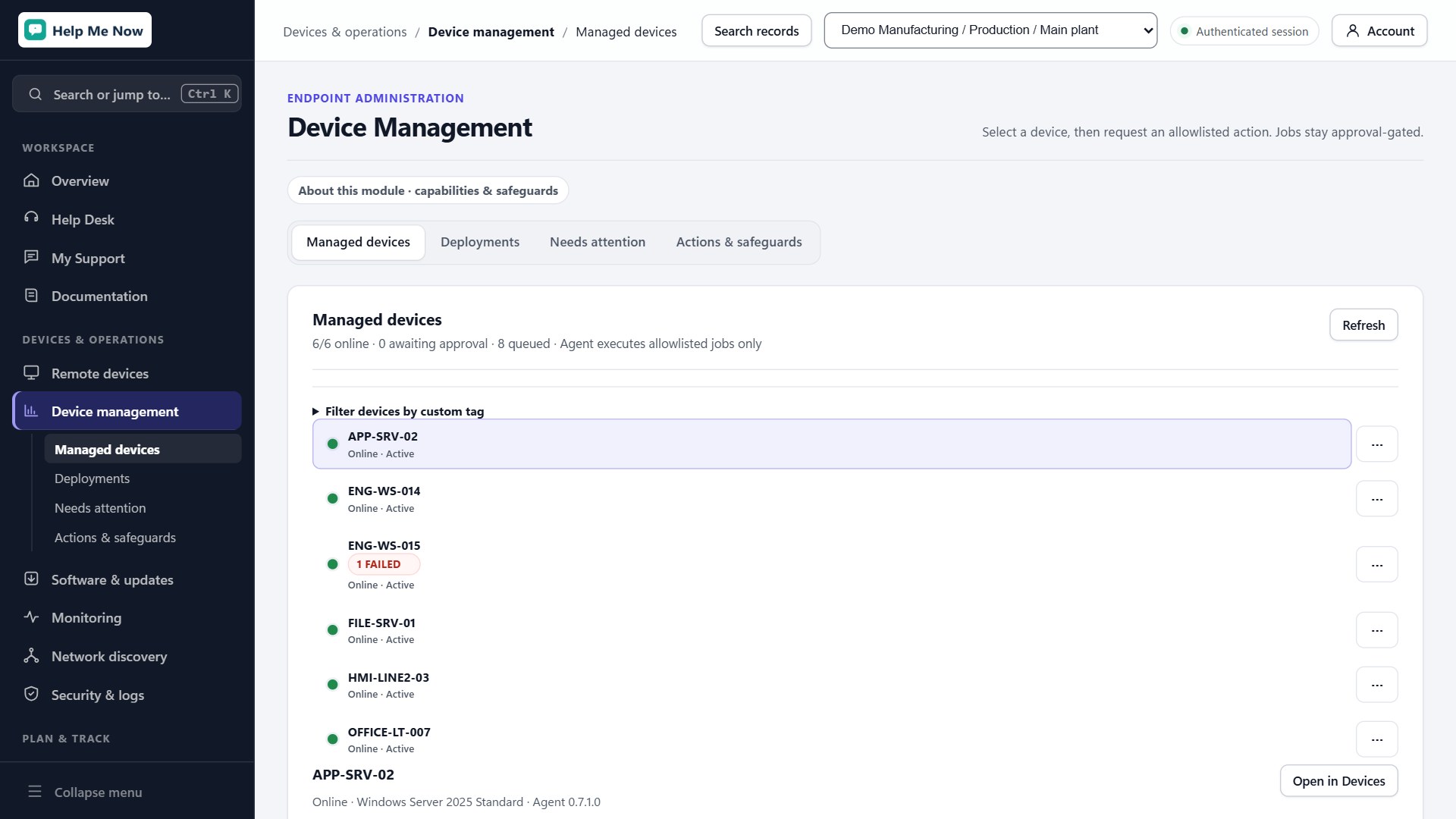
See hardware and installed software across your Windows fleet. Organize approved devices into folders and tags so you can manage them as a group.
- Build repeatable setup profiles for applications, scripts, and Windows settings.
- Follow deployment progress on each device and retry failed steps.
- Find missing Windows updates and schedule installations in maintenance windows.
Monitoring and network discovery
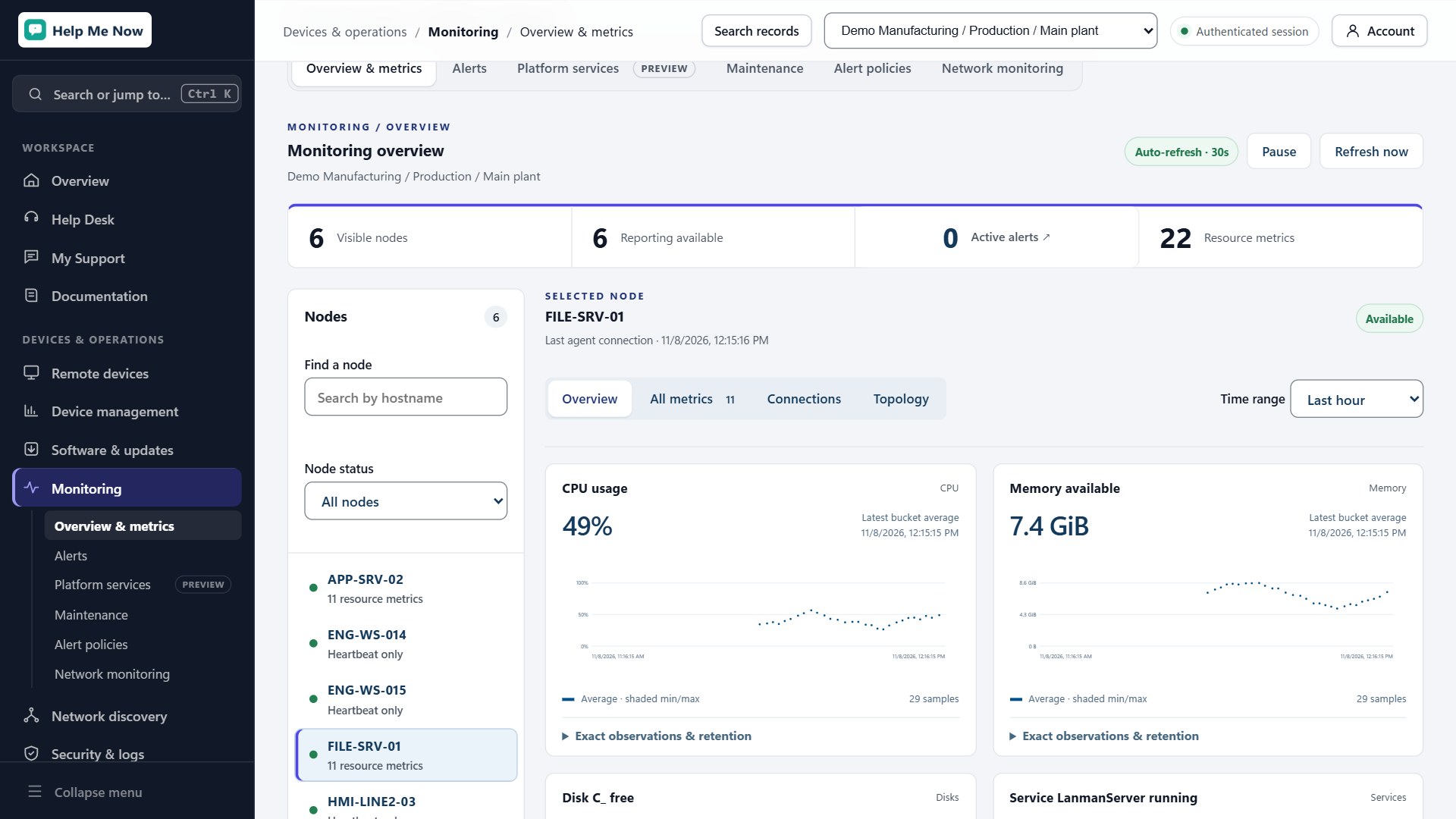
Review CPU, memory, disk, and service health on servers. Alert rules can open linked tickets so a technician can follow up from the service desk.
- Check availability with ping and TCP port checks for equipment such as printers and switches.
- Scan approved network ranges and use SNMP to identify network devices.
- Review discovery results before adding devices to your asset register.
Remote support
Start an encrypted remote desktop session over your LAN or VPN. The person at the device approves the session and can control clipboard sharing and file transfers. Technicians can choose which screen to view.
Assets, IP addresses, and reporting
Track where equipment is assigned, record check-outs, and link equipment to tickets and IP addresses. Review service desk performance and Windows update compliance, or export reports as CSV.
Self-hosted administration
Run the controller on your own Windows server. Set module access by role, optionally sync with Active Directory, and schedule encrypted controller backups.